False Flag

This challenge provided an png file called false_flag.png. I ran the command 'grep -a "O24{" false_flag.png' to see if the flag format was in the file as plain text. This revealed the flag:
O24{f!l3$_4R3_noT_A1w@y$_wh@t_7heY_sE3m_T0_b3}
FlagInThePackets
This challenge provided a pcap file containing network traffic. I opened it in WireShark and followed the TCP stream, which revealed this:
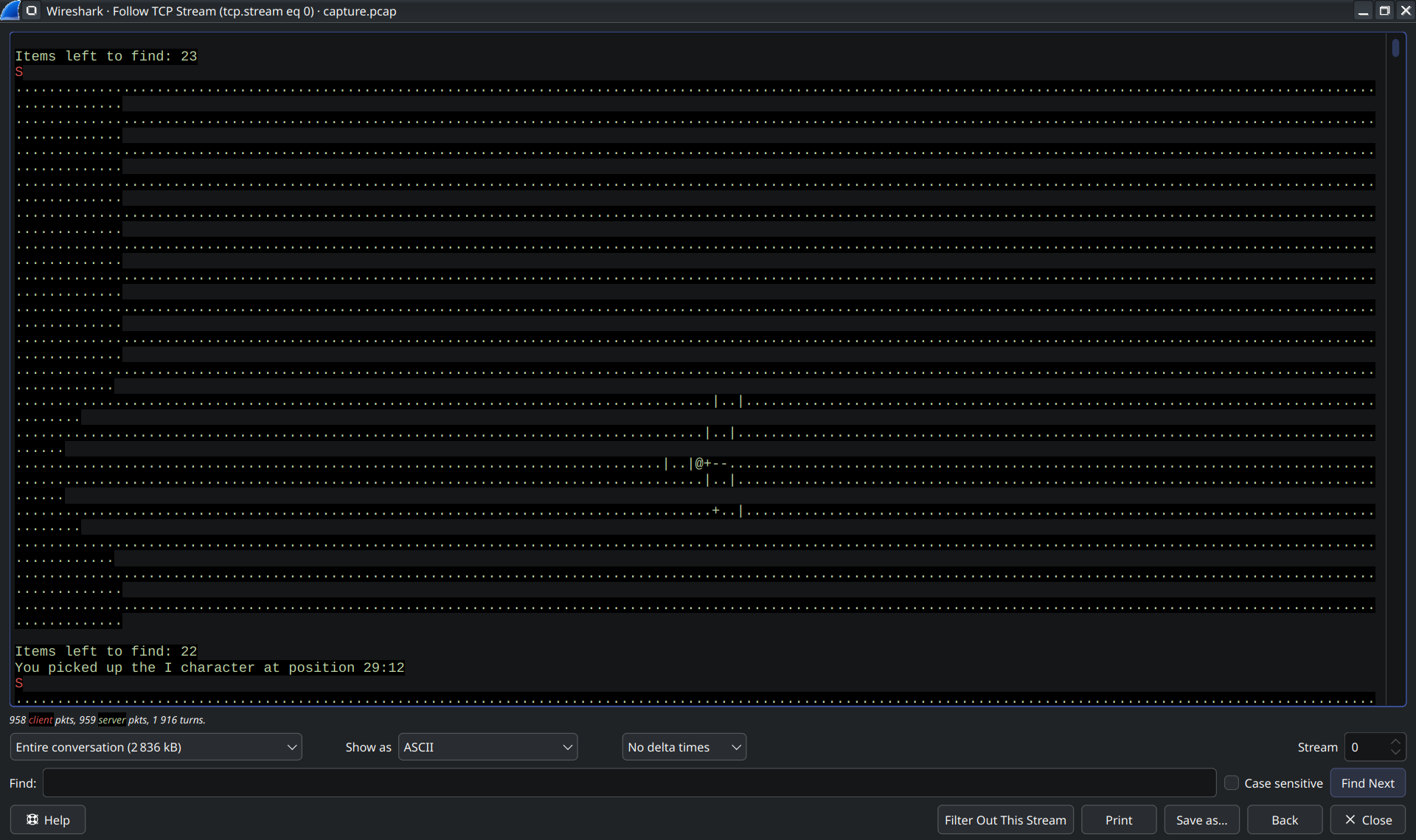
In-between the junk, the stream contained lines like "You picked up the X character at position Y:Z". Taking a closer look at the characters I found all the characters of the flag format "O24{}" scattered.
This suggested the characters needed to be rearranged based on their positions.
"O" had position 1:1, "2" was at 7:1, "4" at 55:3, "{" at 2:5. This suggested first sorting by the second number (Y coordinate), then by the first.
So I wrote a small python script to extract the characters and their positions, sort them based on the 2D coordinates, and then join them to get the flag "O24{ORDER_IS_IMPORTANT}":
with open('./tcp_stream.txt', 'r') as file:
    stream = file.read()
# Split into lines
lines = stream.splitlines()
flag_chars = []
positions = []
for line in lines:
    # Find the "You picked up the X character at position Y:Z" lines
    if "You picked up the" in line:
        # Extract character and position
        parts = line.split()
        char = parts[4]
        flag_chars.append(char)
        position = parts[-1]
        positions.append(position)
chars_data = []
position1 = []
position2 = []
# Split positions into two lists
for pos in positions:
    position1.append(int(pos.split(':')[0]))
    position2.append(int(pos.split(':')[1]))
# Combine characters with their positions
for c, p1, p2 in zip(flag_chars, position1, position2):
    chars_data.append({'char': c, 'x': p1, 'y': p2})
# Sort characters based on a 2d grid (y first, then x)
sorted_data = sorted(chars_data, key=lambda k: (k['y'], k['x']))
# Join all the sorted characters to get the flag
flag = "".join([item['char'] for item in sorted_data])
print(f"Flag: {flag}")
Merry Mischief
For this challenge we got a file called "Mysterious.jar". JAR files are essentially just ZIP files, so I started by extracting the file.
Right away I found a file called "end.png" which contained:

This appeared to be the end of the flag, but I still needed to find the rest.
I opened the original file in a text editor and saw some interesting file headers. I then opened
Cyberchef to preserve the binary data, which might get lost in a normal text editor, and extracted a JPG file:
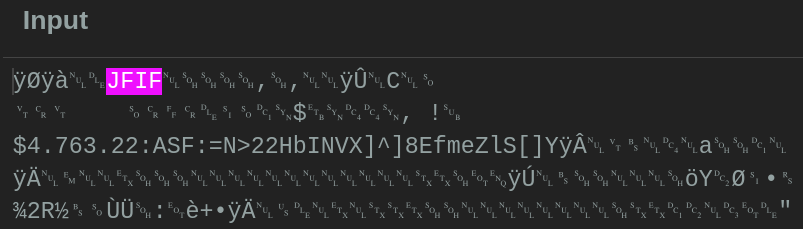
Which contained:

And a PDF file:
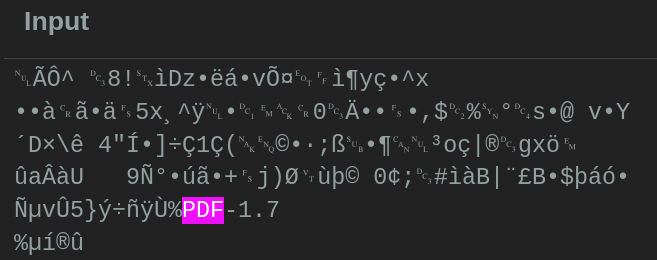
Which contained an image:
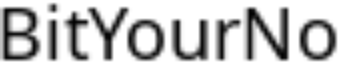
Combining all of them gave the flag: "O24{Oops:)BitYourNose^w^}"